Lane Alerts
Save a search once. When a new load matches it, you get an email, a notification on your phone, or both.
How it works
01 · Save a search
Name it, then set the lane, the equipment and anything else that matters to you.
02 · Choose how to be told
Email, phone notification or both, for each search, and change it any time.
03 · Freight appears
When a new load matches, you are told straight away.
04 · Open it and bid
Open the load, or run the search on Live Loads, and bid or book.
Watch
Video coming soon
We are preparing this video. Check back soon.
What you get
Pick where freight starts and where it goes.
Set how far you will run empty to the pickup and from the delivery.
Only the trailers you pull.
A from and to date, so you hear only about freight you can take.
A minimum total rate and a minimum rate per mile.
A maximum weight, and full or partial loads.
Include or leave out private loads, hazmat and team-driver loads.
Turn each kind of alert on or off for each search.
Reading it
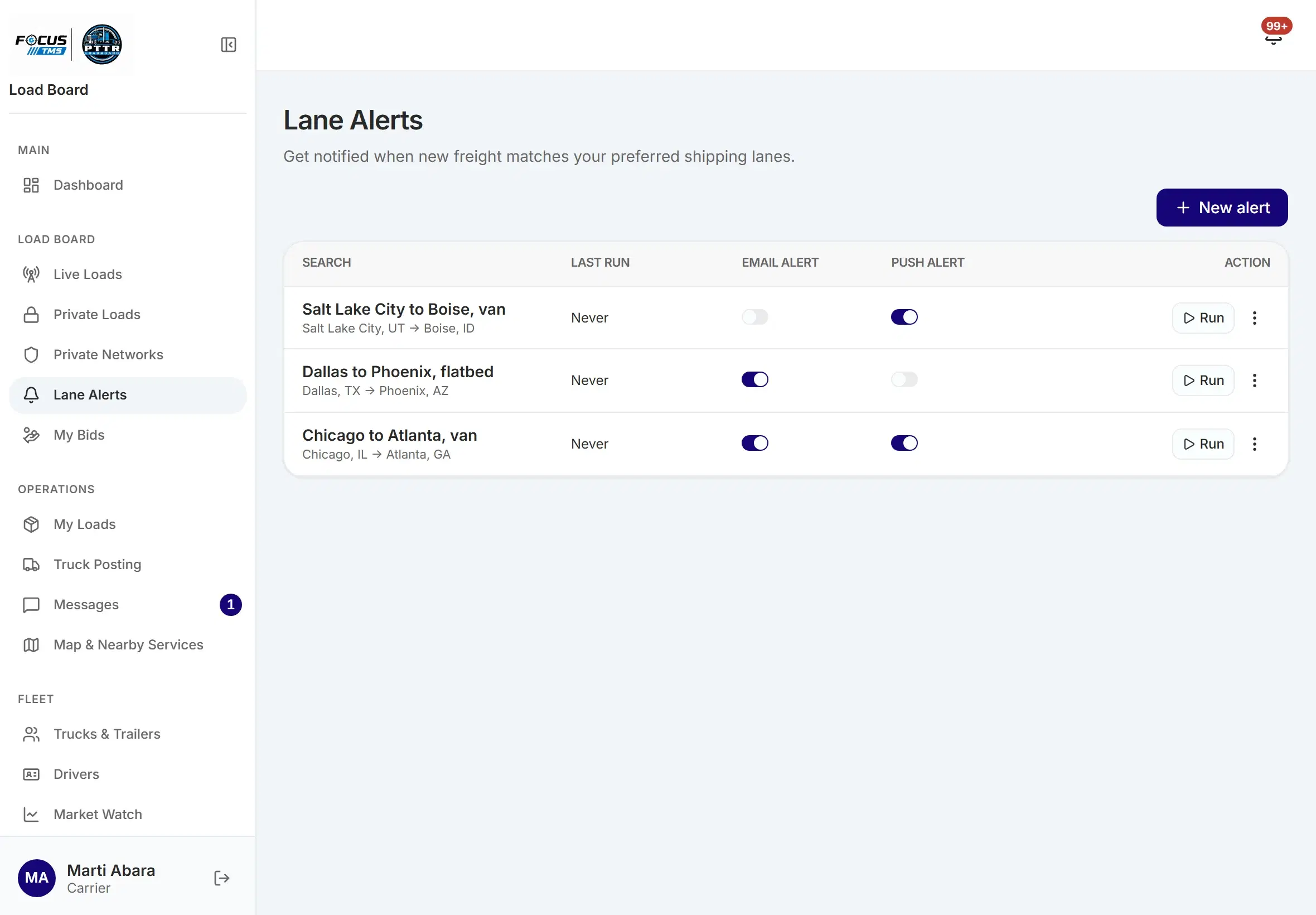
| Setting | What it does |
|---|---|
| Origin and destination | Where the freight starts and where it goes. |
| Deadhead to pickup | The most empty miles you will run to reach the pickup. |
| Deadhead from delivery | The most empty miles you will run after the delivery. |
| Min rate and min per mile | Freight paying less than these is left out. |
| Private loads only | Only loads shared with you privately. |
| Alert me | Choose email, phone notification or both. |
Who uses it
What it means for you
You hear about a load as it is posted, not hours later.
The board comes to you, so you can get on with the day.
Your own limits keep the noise down.
Good to know
More from Intelligence
Create an account and start with the lanes you run.